


SparkyFitness
A self-hosted, privacy-first alternative to MyFitnessPal. Track nutrition, exercise, body metrics, and health data while keeping full control of your data.
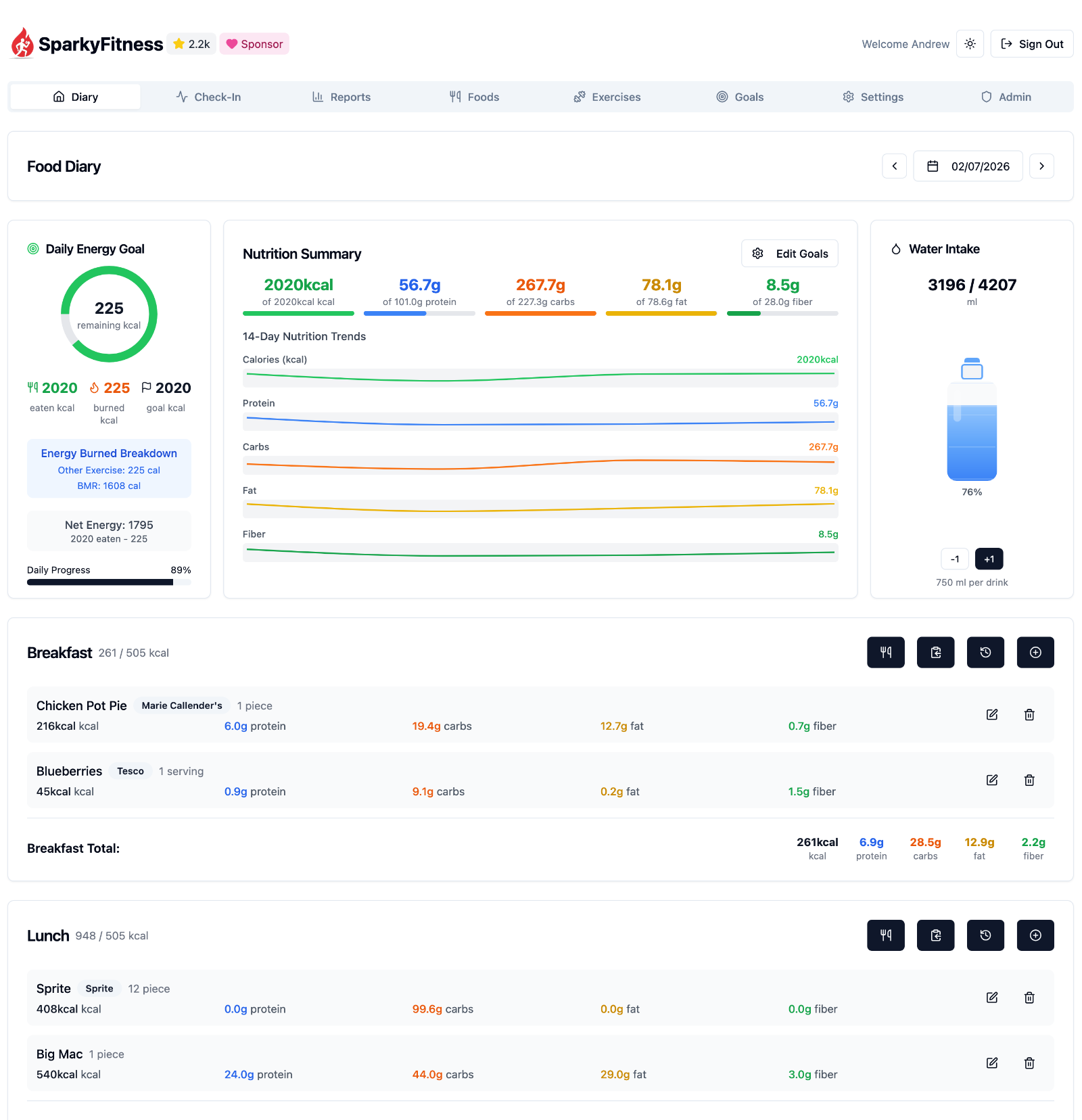
SparkyFitness is a self-hosted fitness tracking platform made up of:
- A backend server (API + data storage)
- A web-based frontend
- Native mobile apps for iOS and Android
It stores and manages health data on infrastructure you control, without relying on third party services.
Core Features
- Nutrition, exercise, hydration, and body measurement tracking
- Goal setting and daily check-ins
- Interactive charts and long-term reports
- Multiple user profiles and family access
- Light and dark themes
Health & Device Integrations
SparkyFitness can sync data from multiple health and fitness platforms:
- Apple Health (iOS)
- Google Health Connect (Android)
- Fitbit
- Garmin Connect
- Withings
Integrations automatically sync activity data such as steps, workouts, and sleep, along with health metrics like weight and body measurements, to your SparkyFitness server.
Optional AI Features (Beta)
SparkyAI provides a conversational interface for logging data and reviewing progress.
- Log food, exercise, body stats, and steps via chat
- Upload food images for automatic meal logging
- Retains conversation history for follow ups
Note: AI features are currently in beta.
Quick Start (Server)
Get a SparkyFitness server running in minutes using Docker Compose.
# 1. Create a new folder
mkdir sparkyfitness && cd sparkyfitness

# 2. Download Docker files only
curl -L -o docker-compose.yml https://github.com/CodeWithCJ/SparkyFitness/releases/latest/download/docker-compose.prod.yml
curl -L -o .env https://github.com/CodeWithCJ/SparkyFitness/releases/latest/download/default.env.example

# 3. (Optional) Edit .env to customize database credentials, ports, etc.

# 4. Start the app
docker compose pull && docker compose up -d

# Access application at http://localhost:8080
Documentation
For full installation guides, configuration options, and development docs, please visit our Documentation Site.
Quick Links
- Installation Guide - Deployment and configurations
- Features Overview - Complete feature documentation
- Development Workflow - Developer guide and contribution process
- iOS App Info and Android App Info
Need Help?
Star History
Translations

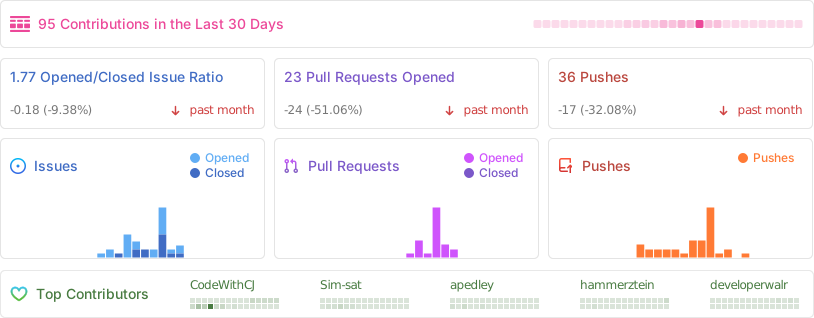
Repository activity
Contributors
⚠️ Known Issues / Beta Features ⚠️
SparkyFitness is under active development. Breaking changes may occur between releases.
- Auto-updating containers is not recommended
- Always review release notes before upgrading
The following features are currently in beta and may not have been thoroughly tested. Expect potential bugs or incomplete functionality:
- AI Chatbot
- Family & Friends access
- API documentation


