

Welcome to xbar
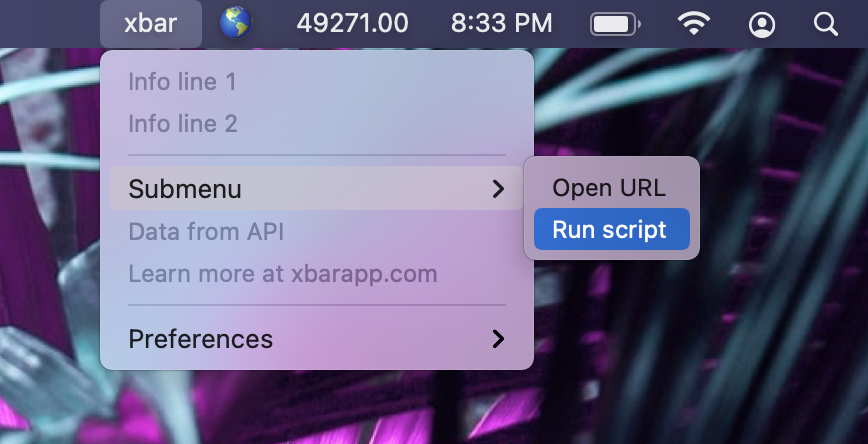
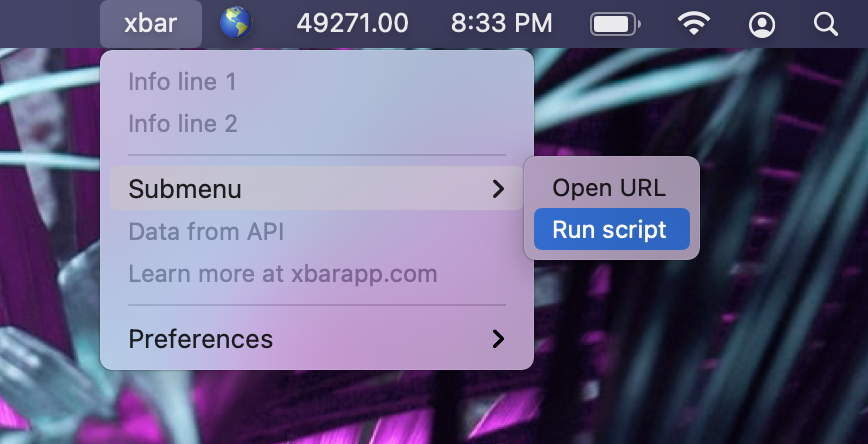
xbar (the BitBar reboot) lets you put the output from any script/program in your macOS menu bar.
- Complete rewrite from the ground up - in Go by @matryer and @leaanthony - using Wails.app (build cross-platform desktop apps using Go & HTML/CSS/JS)
- Completely open source
- Download latest xbar release - requires macOS Catalina or newer (>= 10.15)
- Visit the app homepage at https://xbarapp.com
- Get started and installing plugins
Digging deeper:
And finally...
Get started
Install
Installing plugins
From an xbar menu, choose Preferences > Plugins... to use the xbar app to discover and manage plugins.
You can browse all the plugins online, or write your own.
The Plugin Directory
The plugin directory is folder on your Mac where the plugins live, located at ~/Library/Application Support/xbar/plugins.
- If you're transitioning from Bitbar, move your plugins into this new folder to install them
Contributing
If you'd like to contribute a plugin, head over to https://github.com/matryer/xbar-plugins to get started.
Please do not send pull requests to this repo. Open an issue and start a conversation first. PRs will likely not be accepted.
- Get started with our Writing plugins guide
Thanks
- Special thanks to @leaanthony at https://wails.app and @ianfoo, @gingerbeardman, @iosdeveloper, @muhqu, @m-cat, @mpicard, @tylerb for their help
- Thanks to Chris Ryer for the app logo - and to @mazondo for the original
- Thanks for all our plugin contributors who have come up with some pretty genius things


